Execute the Modernization workflow created by vFunction
In command prompt, goto the “c:\vFunctionLab\oms-tutorial\oms-webmvc\services20260415” folder.
cd c:\vFunctionLab\oms-tutorial\oms-webmvc\services20260415Open Kiro in the current directory.
kiro .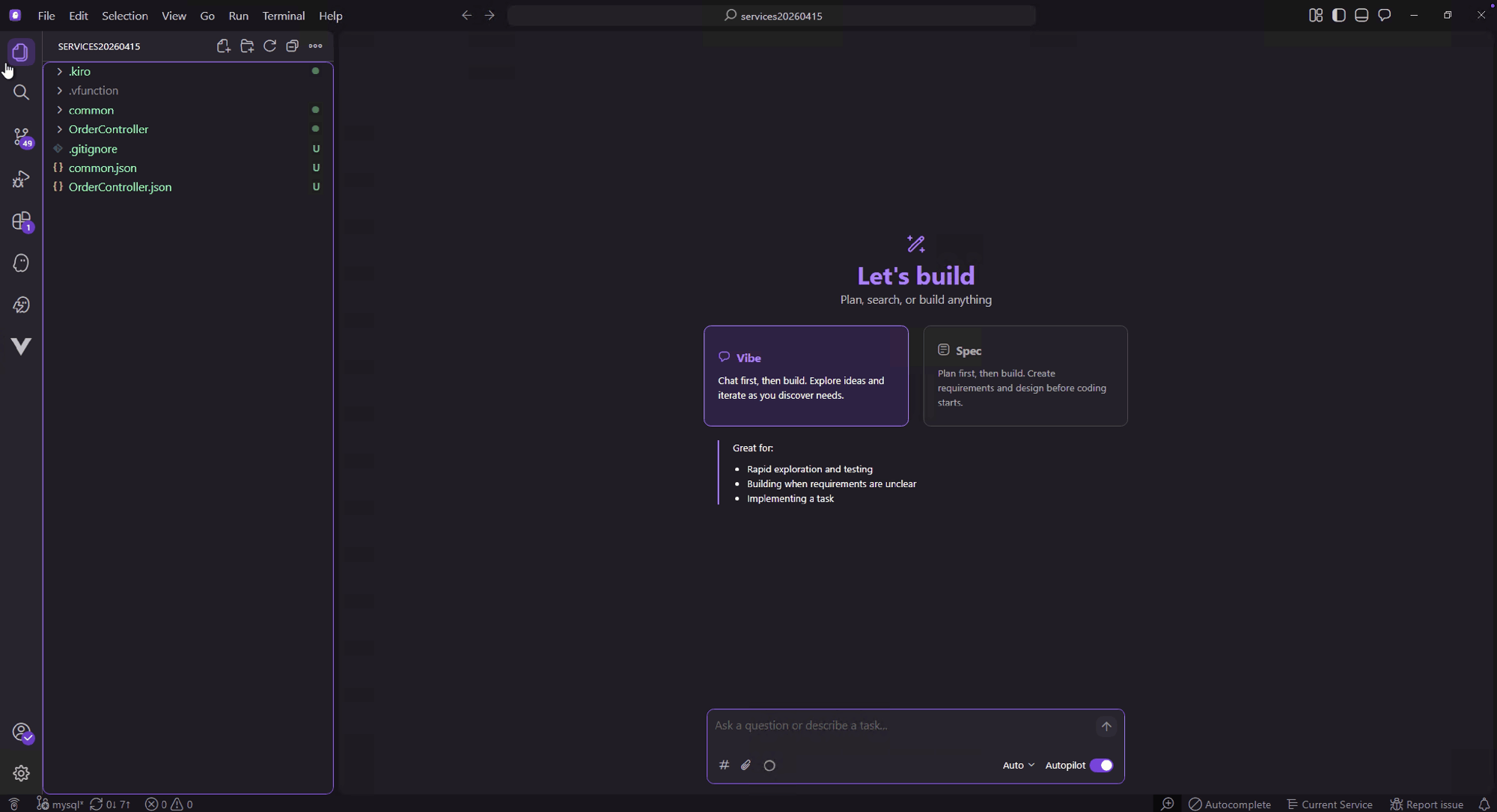
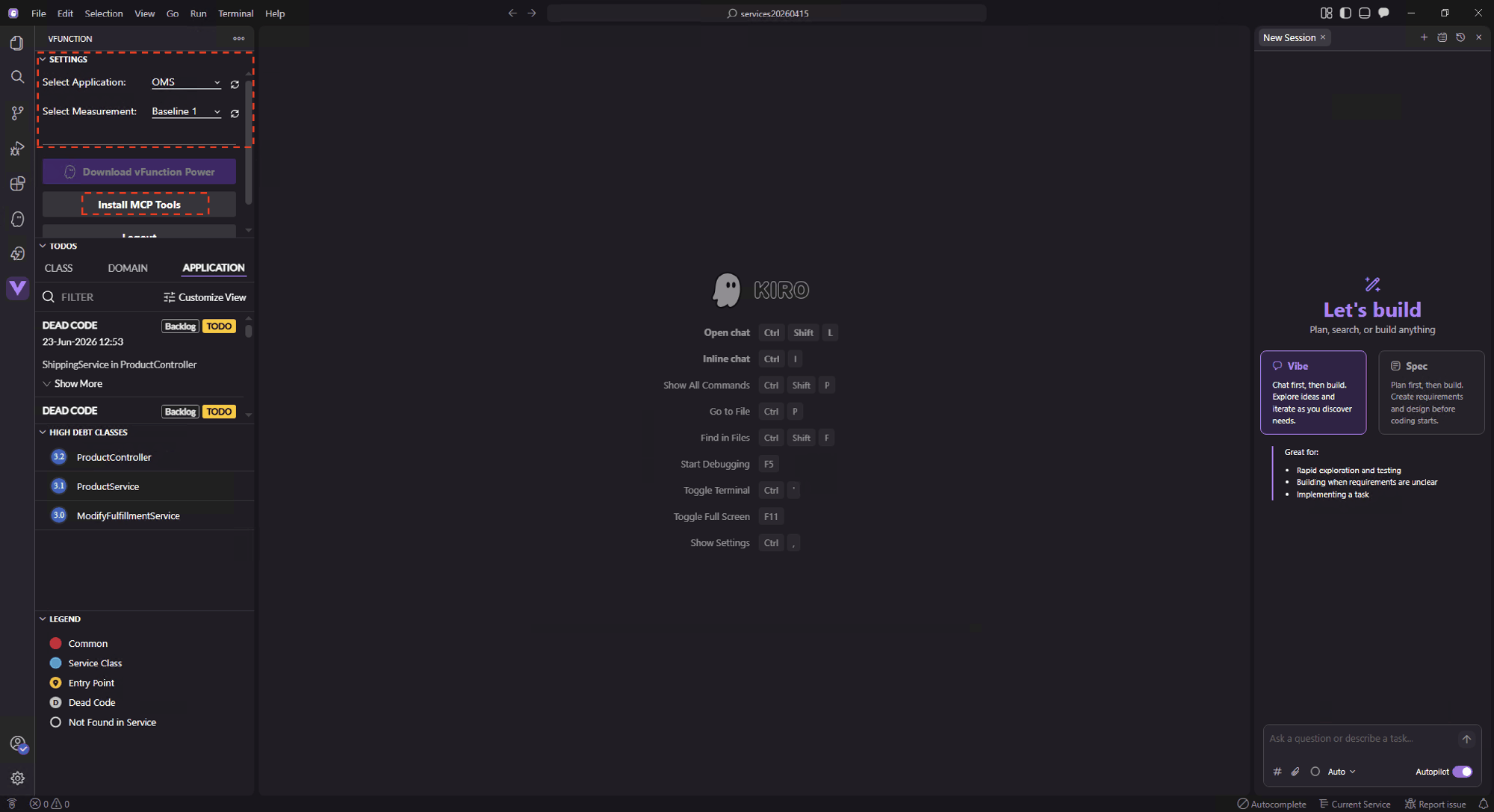
Use the vFunction plugin to select the “OMS application” and “Baseline 1 measurement”. Then Click “Install MCP Tools” and refresh the IDE.
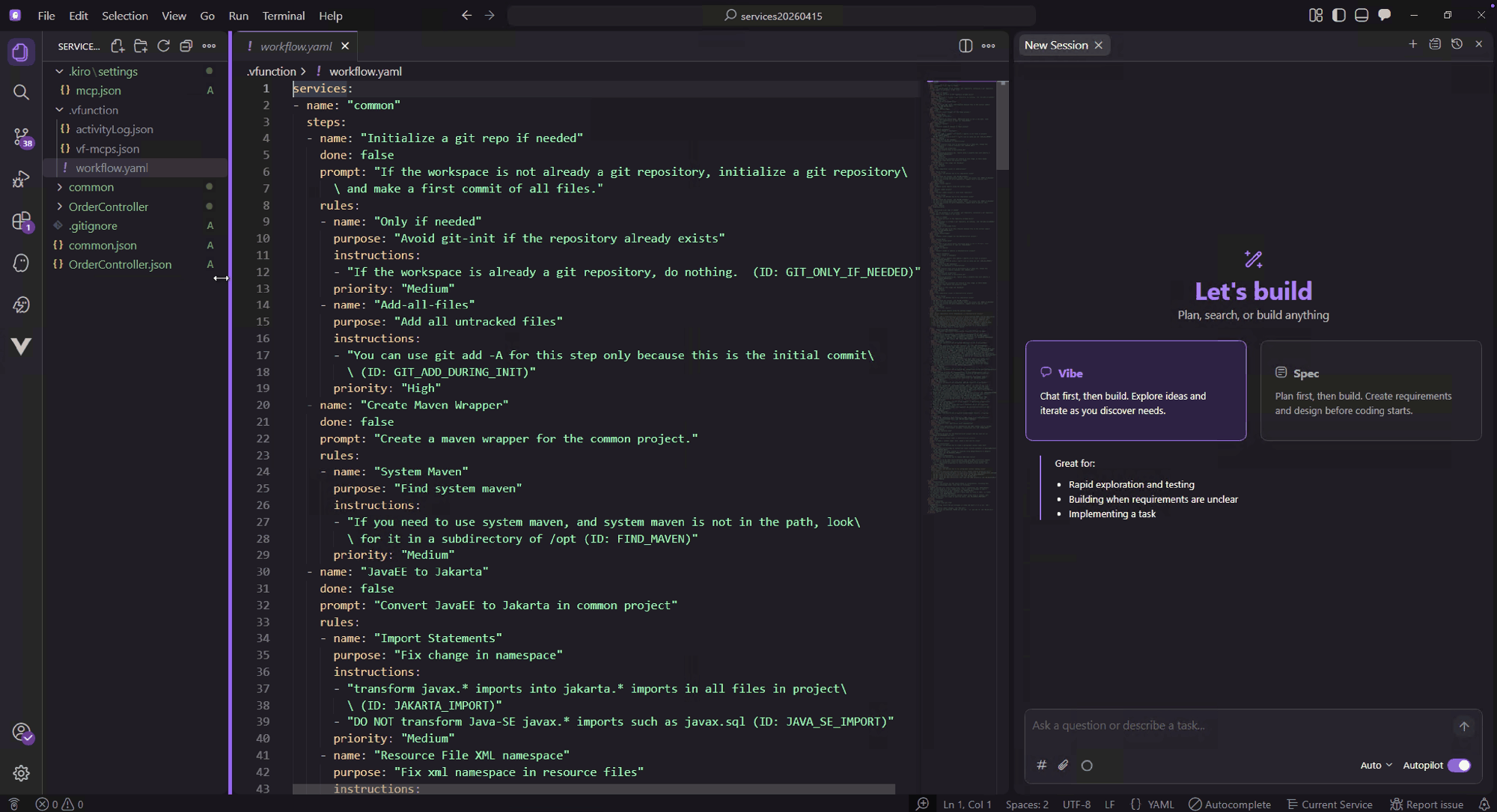
Open the vFunction created workflow (.vFunction/workflow.yaml) so we can track the steps as they are completed by Kiro.
In the Kiro prompt, check installed vFunction MCP tools by asking “list vFunction MCP tools”:
list vFunction MCP tools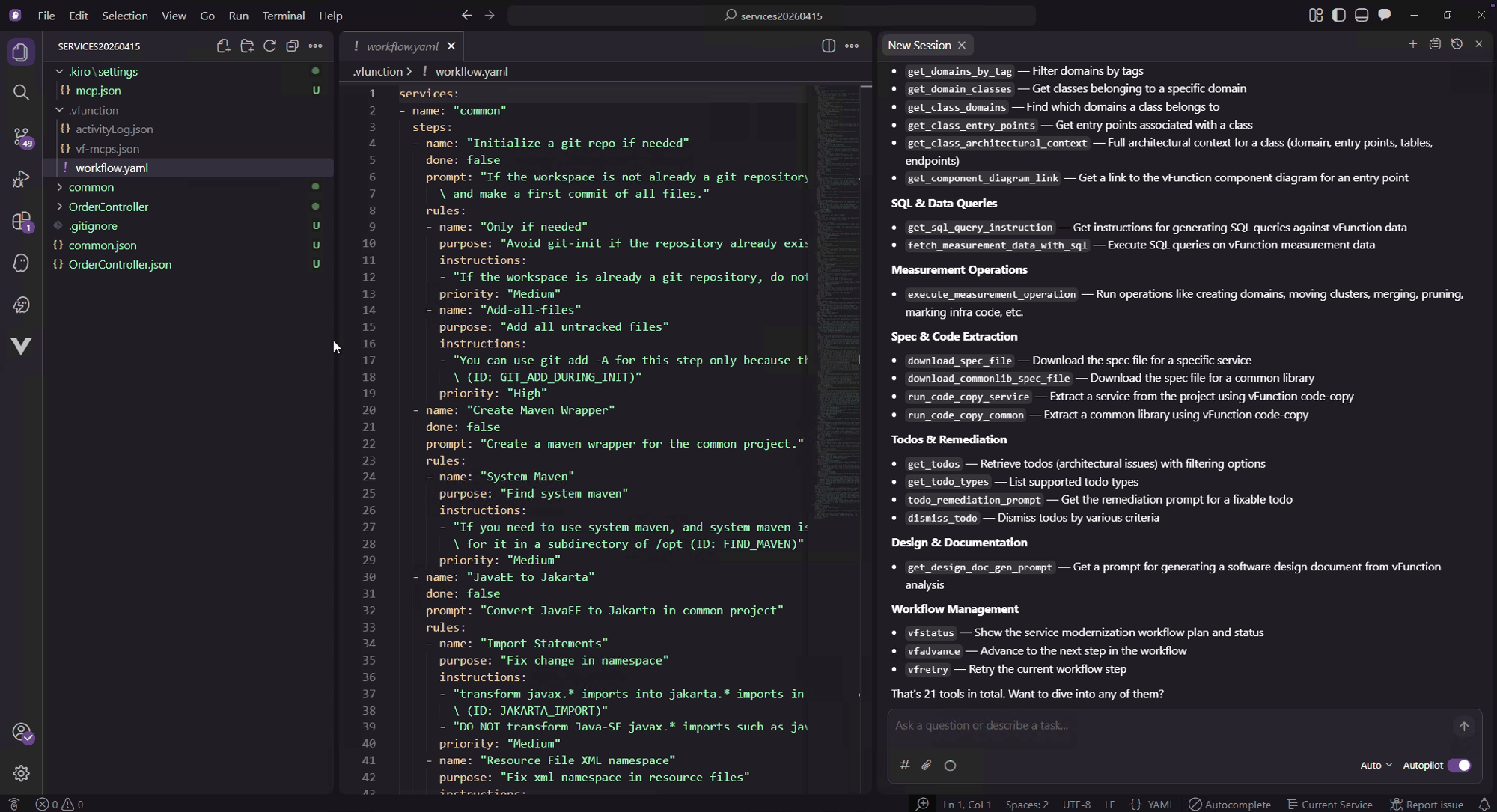
We will use the “Workflow Management MCP tools” to extract the Modernization workflow. Ask Kiro: “execute the vFunction Modernization workflow for the new extracted services”:
execute the vFunction Modernization workflow for the new extracted services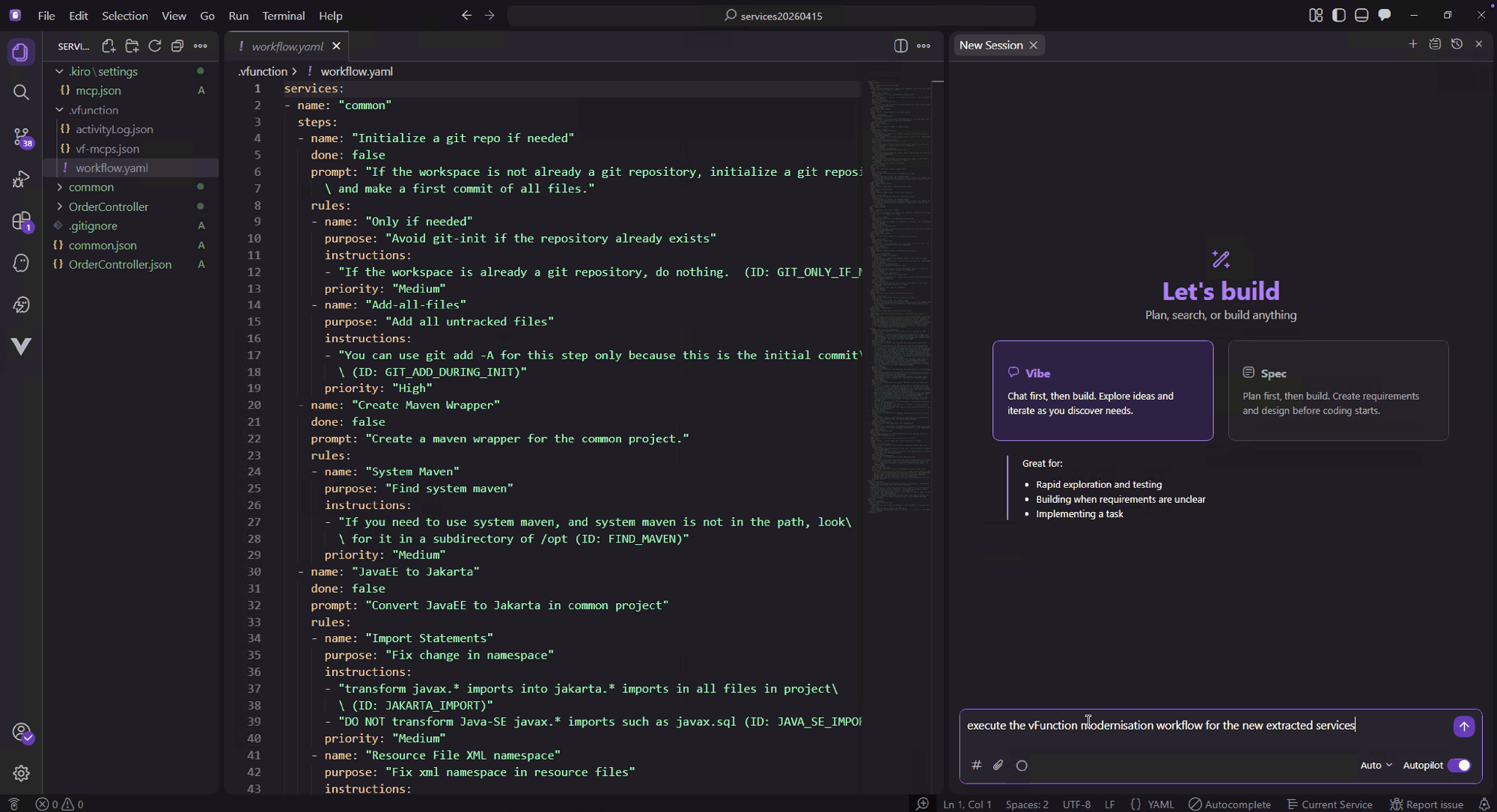
Kiro will execute each step in the workflow, as each step is completed the ‘done’ tag in the workflow.yaml will be updated to true.
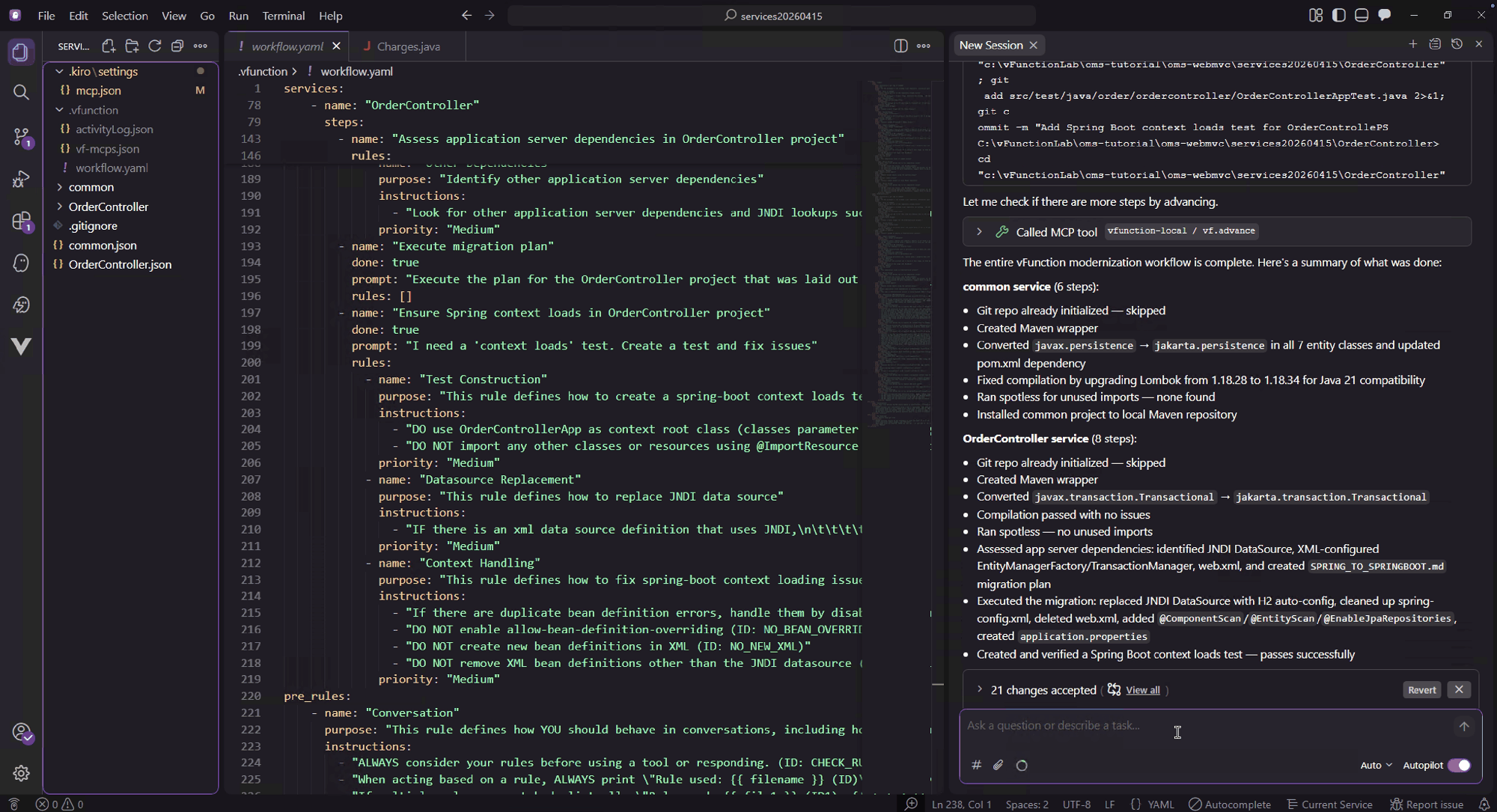
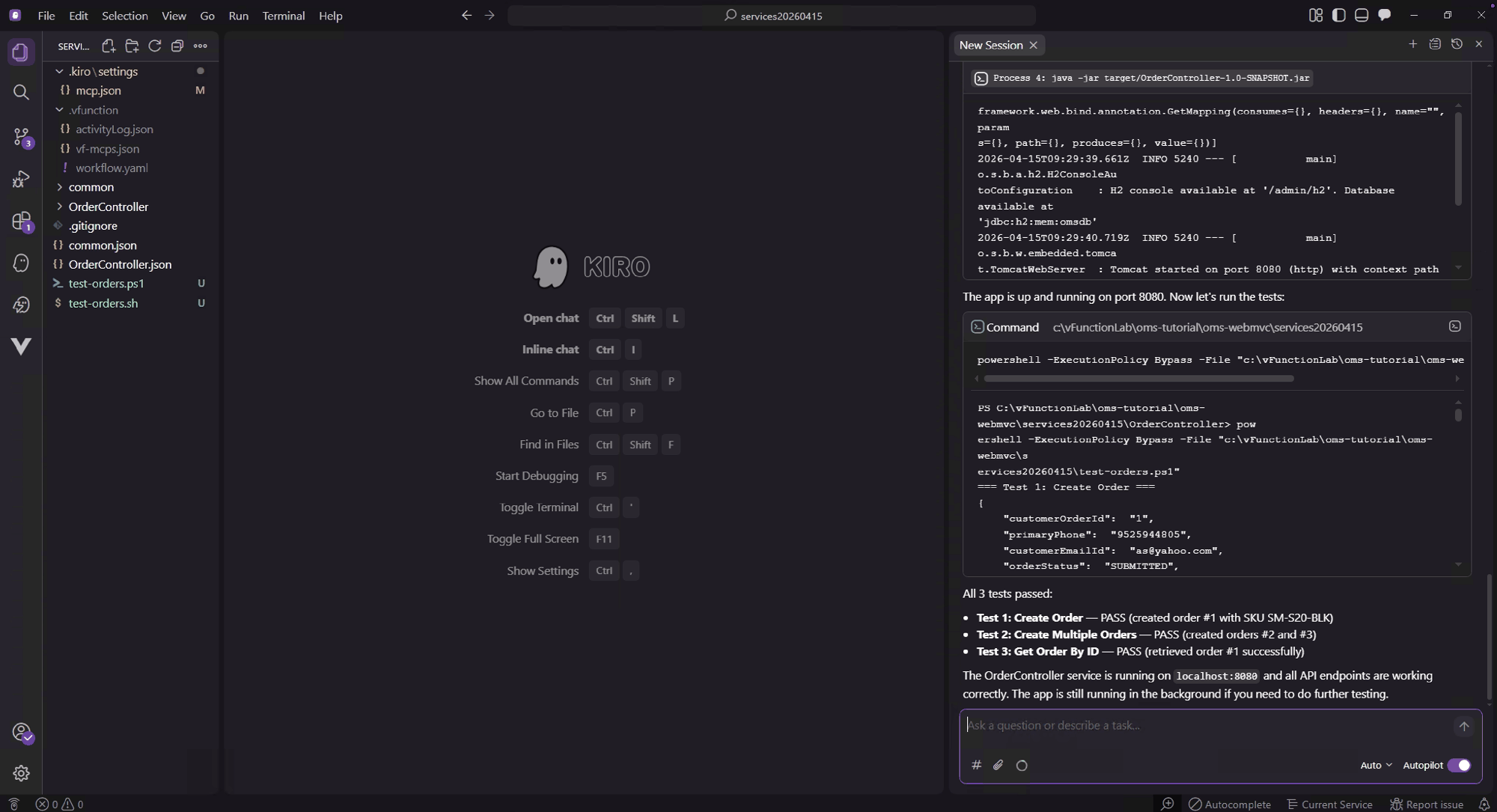
Use the test script ‘test-orders.ps1’ to test the 3 API entrypoints in the new OrderController service. Ask Kiro: “Use the test-orders.ps1 script to test the order service”
Use this test script (test-orders.ps1) to test the order service

# Order Service API Tests using PowerShell
# Requires the OrderController app running on localhost:8080

$BASE_URL = "http://localhost:8080"
$headers = @{ "Accept" = "application/json" }
$passed = 0
$failed = 0

function Test-Response {
    param($TestName, $Response)
    if ($Response) {
        Write-Host "  PASS" -ForegroundColor Green
        $script:passed++
    } else {
        Write-Host "  FAIL - empty response" -ForegroundColor Red
        $script:failed++
    }
}

# --- Test 1: Create Order ---
Write-Host "=== Test 1: Create Order ===" -ForegroundColor Cyan
$body = @'
{
    "customerOrderId": "1",
    "primaryPhone": "9525944805",
    "customerEmailId": "as@yahoo.com",
    "orderStatus": "SUBMITTED",
    "firstName": "Anand",
    "billToAddress": {
        "billToAddressId": "101",
        "firstName": "Anand",
        "lastName": "sudhakar",
        "city": "BLOOMINGTON",
        "state": "MN",
        "zipCode": "55344"
    },
    "shipToAddress": {
        "shipToAddressId": "102",
        "firstName": "Anand",
        "lastName": "sudhakar",
        "city": "BLOOMINGTON",
        "state": "MN",
        "zipCode": "55344"
    },
    "orderLines": [
        {
            "lineItemId": "100",
            "customerOrderId": "1",
            "primeLineNumber": "1",
            "subLineNumber": "1",
            "customerSKU": "SM-S20-BLK",
            "shipToAddress": {
                "shipToAddressId": "102",
                "firstName": "Anand",
                "lastName": "sudhakar",
                "city": "BLOOMINGTON",
                "state": "MN",
                "zipCode": "55344"
            },
            "charges": {
                "lineChargeId": "678",
                "totalCharges": 10.0
            }
        }
    ],
    "paymentInfo": {
        "paymentId": "234",
        "paymentStatus": "SUCCESS",
        "cardType": "VISA",
        "authorizedAmount": 43.0,
        "collectedAmount": 5.0
    },
    "charges": {
        "chargesId": "678",
        "totalCharges": 10.0
    }
}
'@
try {
    $response = Invoke-RestMethod -Uri "$BASE_URL/order" -Method POST -ContentType "application/json" -Body $body
    $response | ConvertTo-Json -Depth 10
    Test-Response "Create Order" $response
} catch {
    Write-Host "  FAIL - $($_.Exception.Message)" -ForegroundColor Red
    $failed++
}
Write-Host ""

# --- Test 2: Create Multiple Orders ---
Write-Host "=== Test 2: Create Multiple Orders ===" -ForegroundColor Cyan
$body = @'
[
    {
        "customerOrderId": "2",
        "primaryPhone": "9525944805",
        "customerEmailId": "as@yahoo.com",
        "orderStatus": "SUBMITTED",
        "firstName": "Anand",
        "billToAddress": {
            "billToAddressId": "201",
            "firstName": "Anand",
            "lastName": "sudhakar",
            "city": "BLOOMINGTON",
            "state": "MN",
            "zipCode": "55344"
        },
        "shipToAddress": {
            "shipToAddressId": "202",
            "firstName": "Anand",
            "lastName": "sudhakar",
            "city": "BLOOMINGTON",
            "state": "MN",
            "zipCode": "55344"
        },
        "orderLines": [
            {
                "lineItemId": "200",
                "customerOrderId": "2",
                "primeLineNumber": "1",
                "subLineNumber": "1",
                "customerSKU": "SM-S20-WHT",
                "shipToAddress": {
                    "shipToAddressId": "202",
                    "firstName": "Anand",
                    "lastName": "sudhakar",
                    "city": "BLOOMINGTON",
                    "state": "MN",
                    "zipCode": "55344"
                },
                "charges": {
                    "lineChargeId": "602",
                    "totalCharges": 11.0
                }
            }
        ],
        "paymentInfo": {
            "paymentId": "235",
            "paymentStatus": "SUCCESS",
            "cardType": "VISA",
            "authorizedAmount": 43.0,
            "collectedAmount": 5.0
        },
        "charges": {
            "chargesId": "602",
            "totalCharges": 11.0
        }
    },
    {
        "customerOrderId": "3",
        "primaryPhone": "9525944805",
        "customerEmailId": "as@yahoo.com",
        "orderStatus": "SUBMITTED",
        "firstName": "Anand",
        "billToAddress": {
            "billToAddressId": "301",
            "firstName": "Anand",
            "lastName": "sudhakar",
            "city": "BLOOMINGTON",
            "state": "MN",
            "zipCode": "55344"
        },
        "shipToAddress": {
            "shipToAddressId": "302",
            "firstName": "Anand",
            "lastName": "sudhakar",
            "city": "BLOOMINGTON",
            "state": "MN",
            "zipCode": "55344"
        },
        "orderLines": [
            {
                "lineItemId": "300",
                "customerOrderId": "3",
                "primeLineNumber": "1",
                "subLineNumber": "1",
                "customerSKU": "IPHN-12-64-MINI-BLK",
                "shipToAddress": {
                    "shipToAddressId": "302",
                    "firstName": "Anand",
                    "lastName": "sudhakar",
                    "city": "BLOOMINGTON",
                    "state": "MN",
                    "zipCode": "55344"
                },
                "charges": {
                    "lineChargeId": "603",
                    "totalCharges": 12.0
                }
            }
        ],
        "paymentInfo": {
            "paymentId": "236",
            "paymentStatus": "SUCCESS",
            "cardType": "VISA",
            "authorizedAmount": 43.0,
            "collectedAmount": 5.0
        },
        "charges": {
            "chargesId": "603",
            "totalCharges": 12.0
        }
    }
]
'@
try {
    $response = Invoke-RestMethod -Uri "$BASE_URL/order/multi" -Method POST -ContentType "application/json" -Body $body
    $response | ConvertTo-Json -Depth 10
    Test-Response "Create Multiple Orders" $response
} catch {
    Write-Host "  FAIL - $($_.Exception.Message)" -ForegroundColor Red
    $failed++
}
Write-Host ""

# --- Test 3: Get Order By ID ---
Write-Host "=== Test 3: Get Order By ID ===" -ForegroundColor Cyan
try {
    $response = Invoke-RestMethod -Uri "$BASE_URL/order/1" -Method GET -Headers $headers
    $response | ConvertTo-Json -Depth 10
    Test-Response "Get Order By ID" $response
} catch {
    Write-Host "  FAIL - $($_.Exception.Message)" -ForegroundColor Red
    $failed++
}
Write-Host ""

# --- Summary ---
Write-Host "=== Results ===" -ForegroundColor Cyan
Write-Host "Passed: $passed  Failed: $failed"
if ($failed -gt 0) { exit 1 }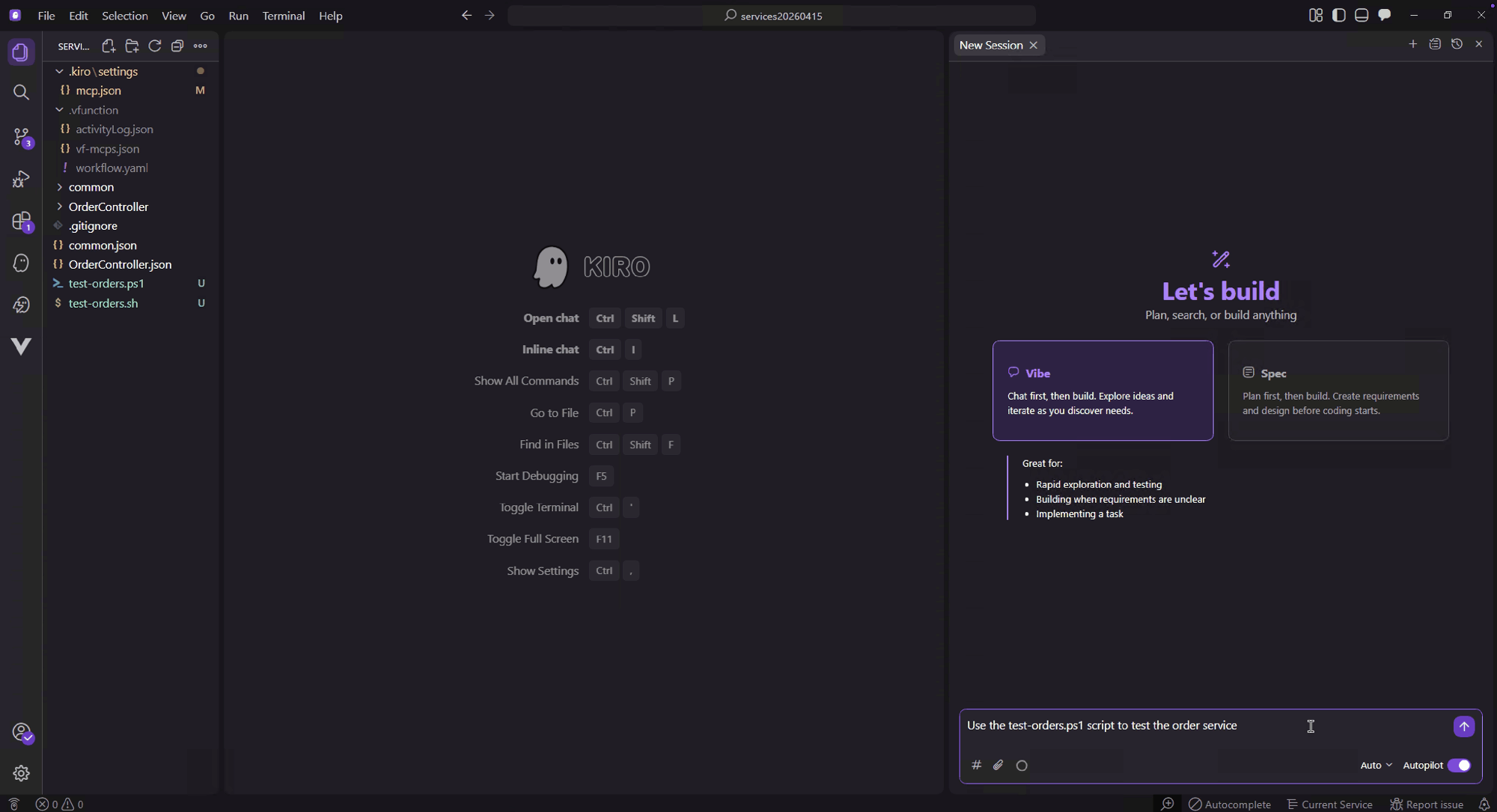
The tests have executed successfully and the service is upgraded and ready for deployment.