Compile the original OMS application
The code-copy application relies on the local maven repo to generate the required maven / gradle dependencies. To ensure the local repo is updated, compile the original application so the necessary used libraries will be downloaded from maven central.
Open a command prompt in the Windows VM and cd to “c:\vFunctionLab\oms-tutorial”
cd "C:\vFunctionlab\oms-tutorial"Check the git version
git --versionStash any uncommitted changes from the previous modules. (In the previous module we added a dependency on ModifyFulfilmentController to solve the PAYMENT_INFO table exclusivity TODO. To avoid extracting both services in this workshop we will revert back to the original source code.)
git stashCheckout the mysql branch
git checkout mysqlAlternate Option: If the git is not connected, rename the oms-tutorial folder, clone the public repository and checkout the mysql branch
cd c:\vFunctionLab
move oms-tutorial oms-tutorial-orig
git clone https://ws@bitbucket.org/vfunction/oms-tutorial.git
cd oms-tutorial
git switch mysql
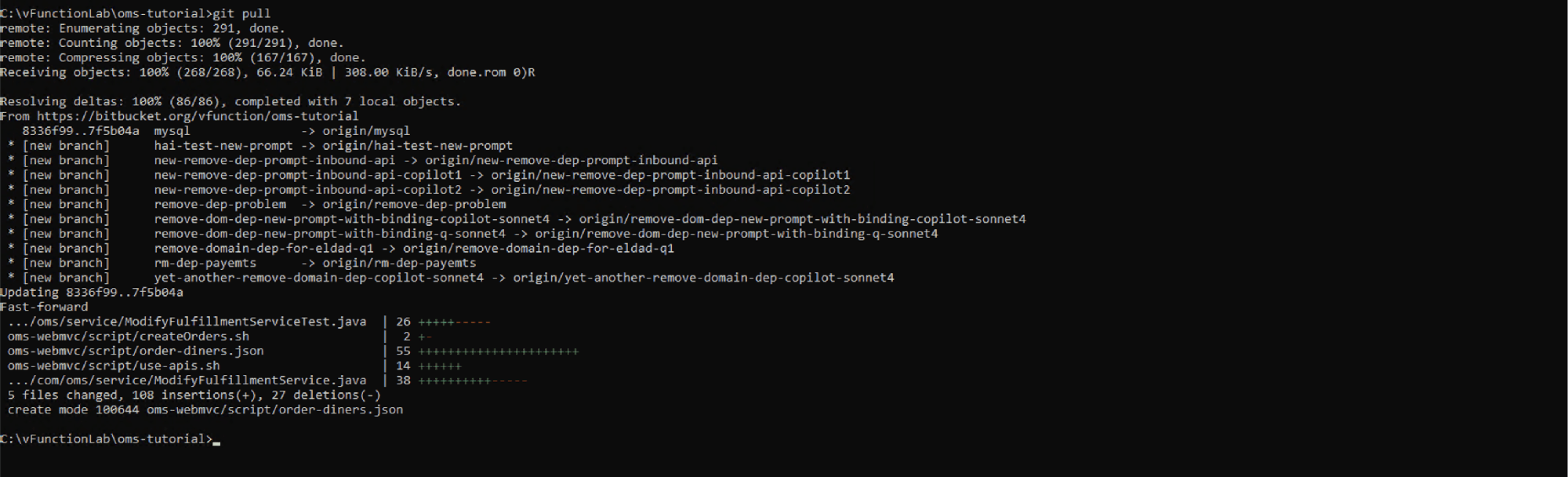
Pull the latest version from the public git repository:
git pull