
Interacting with vFunction Through Kiro Chat
Now that Kiro is connected to the vFunction MCP server, we can use the chat panel to query architectural data, explore TODOs and fix TODOs without leaving the IDE.
List the TODOs
In the Kiro chat panel, prompt show me all the TODOs. Kiro will use the
get_todosMCP tool to list all the domains. Allow this tool and it will return all the TODOs previously seen on the vFunction UI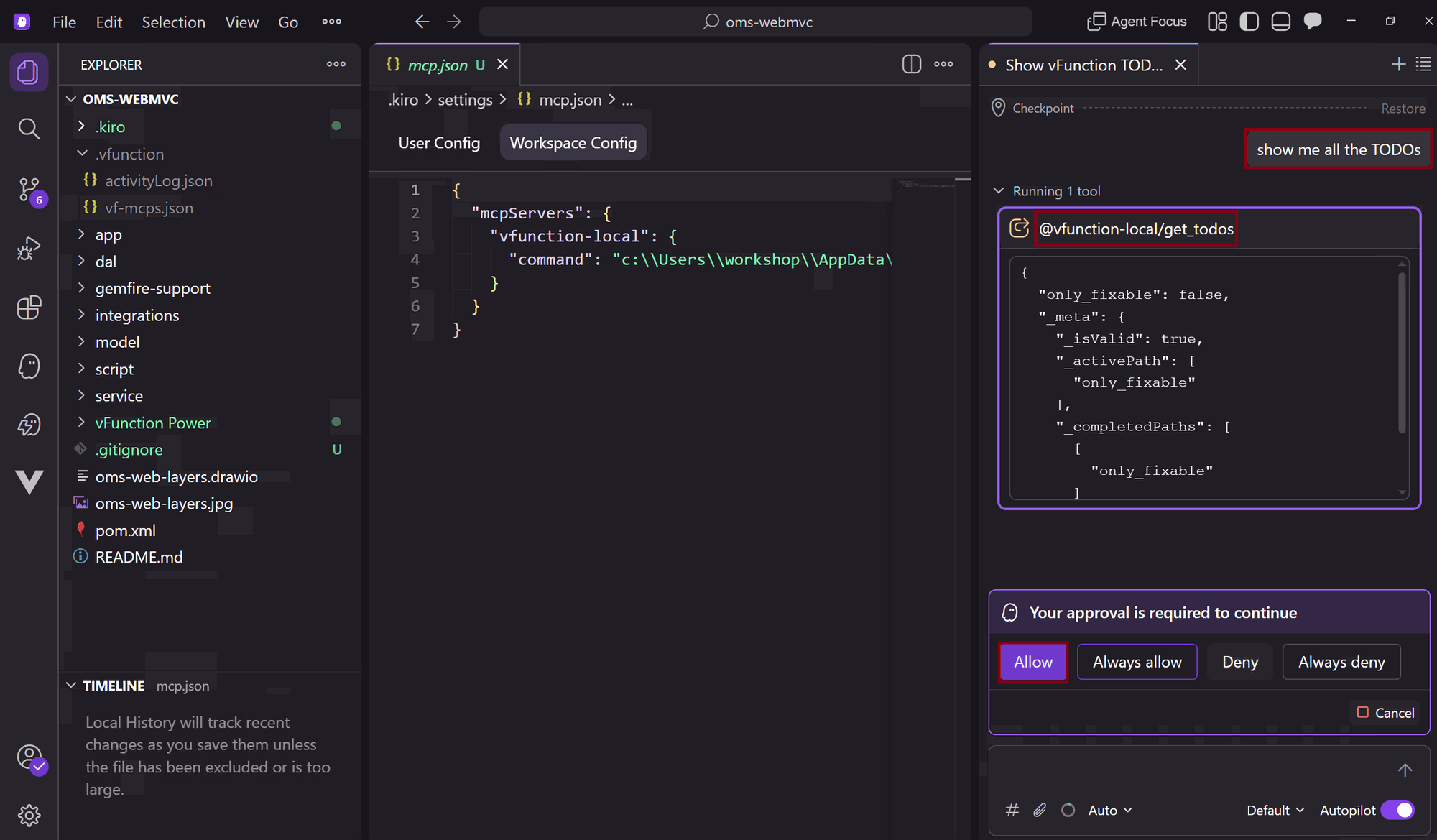
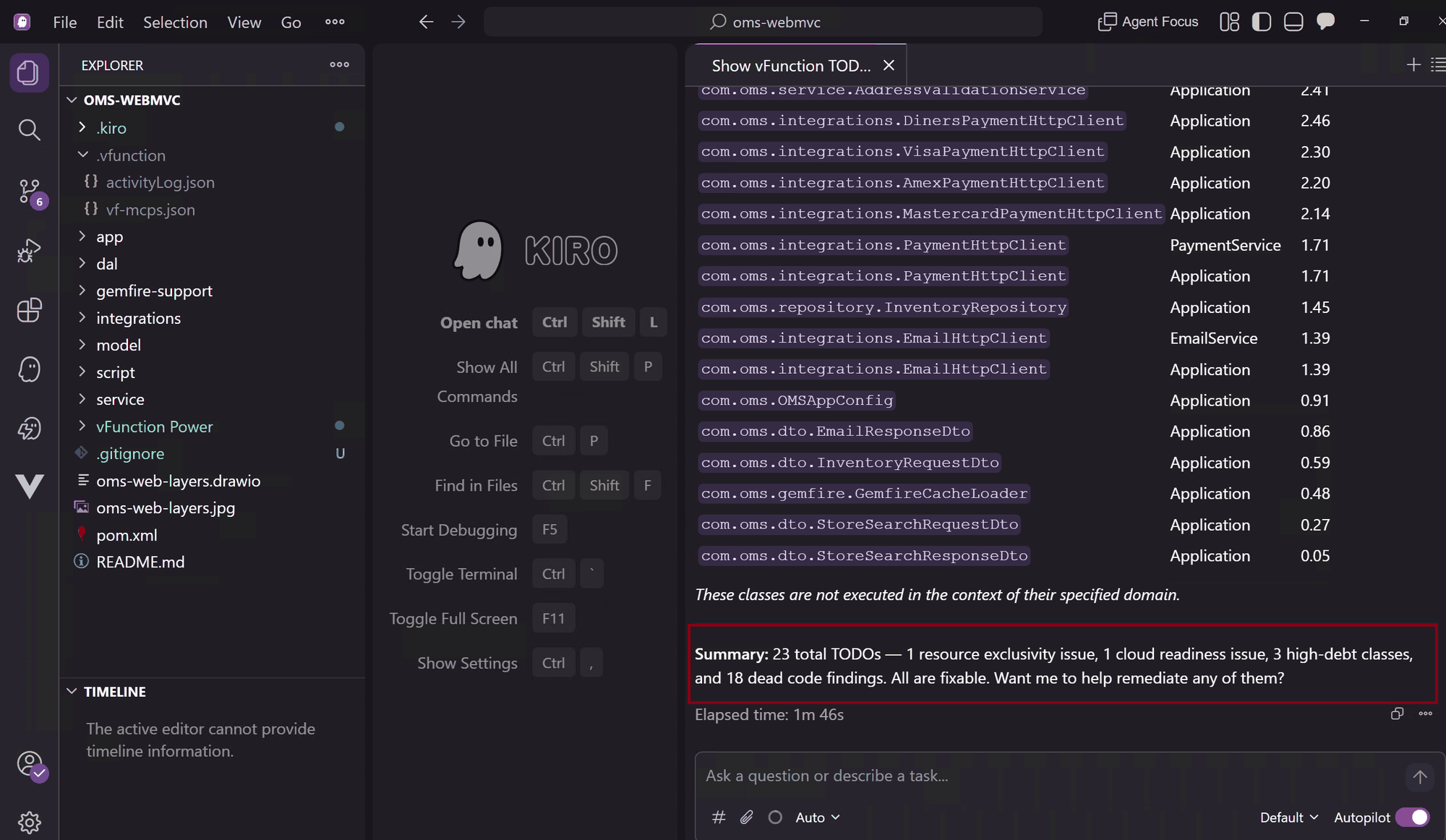
Pick a TODO and Explore in Detail
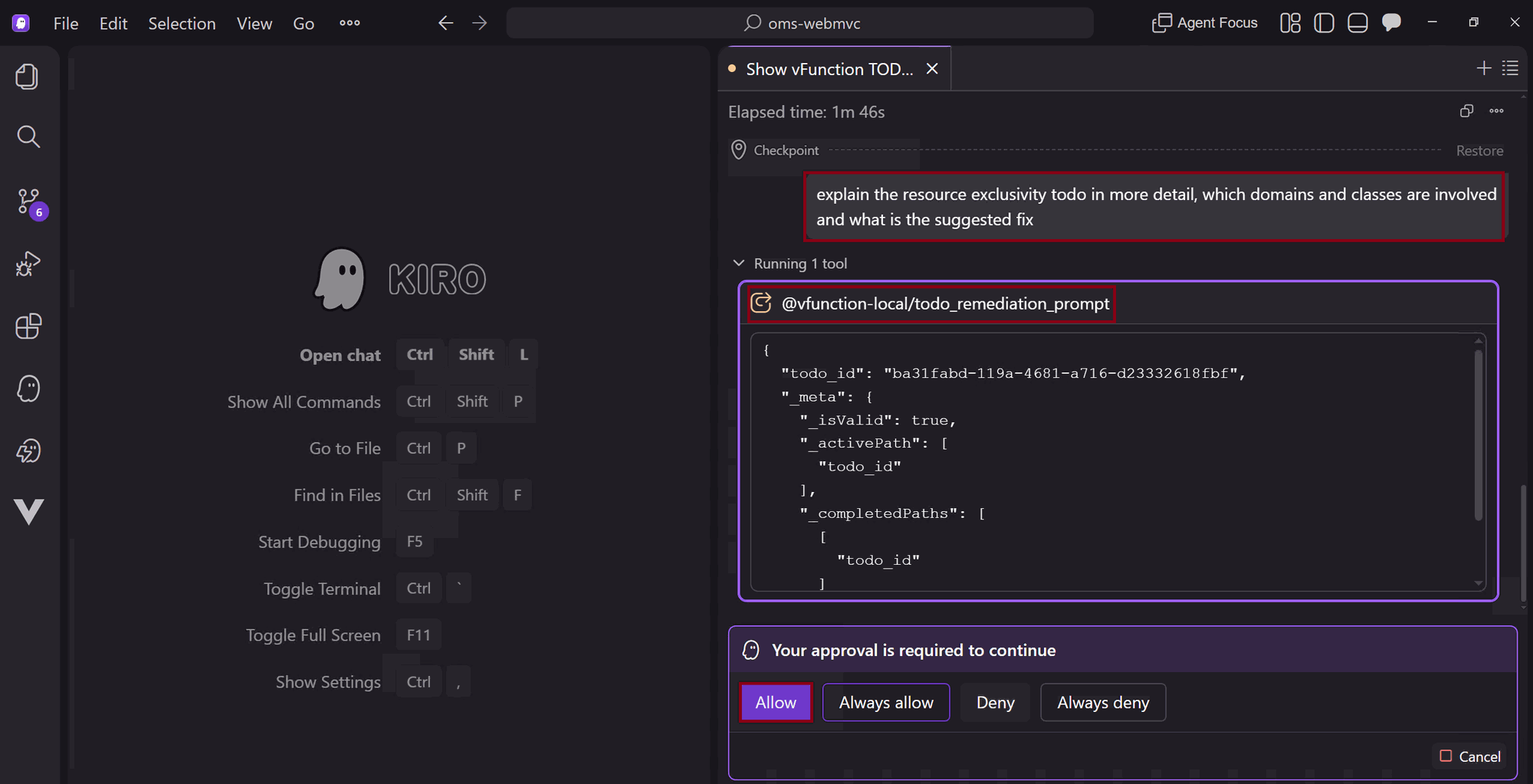
Select the Resource Exclusivity TODO and ask Kiro for more details:
- “explain the resource exclusivity todo in more detail, which domains and classes are involved and what is the suggested fix”
- Kiro will use the
todo_remediation_promptMCP tool to retrieve detailed information. Allow this tool to get the relevant information
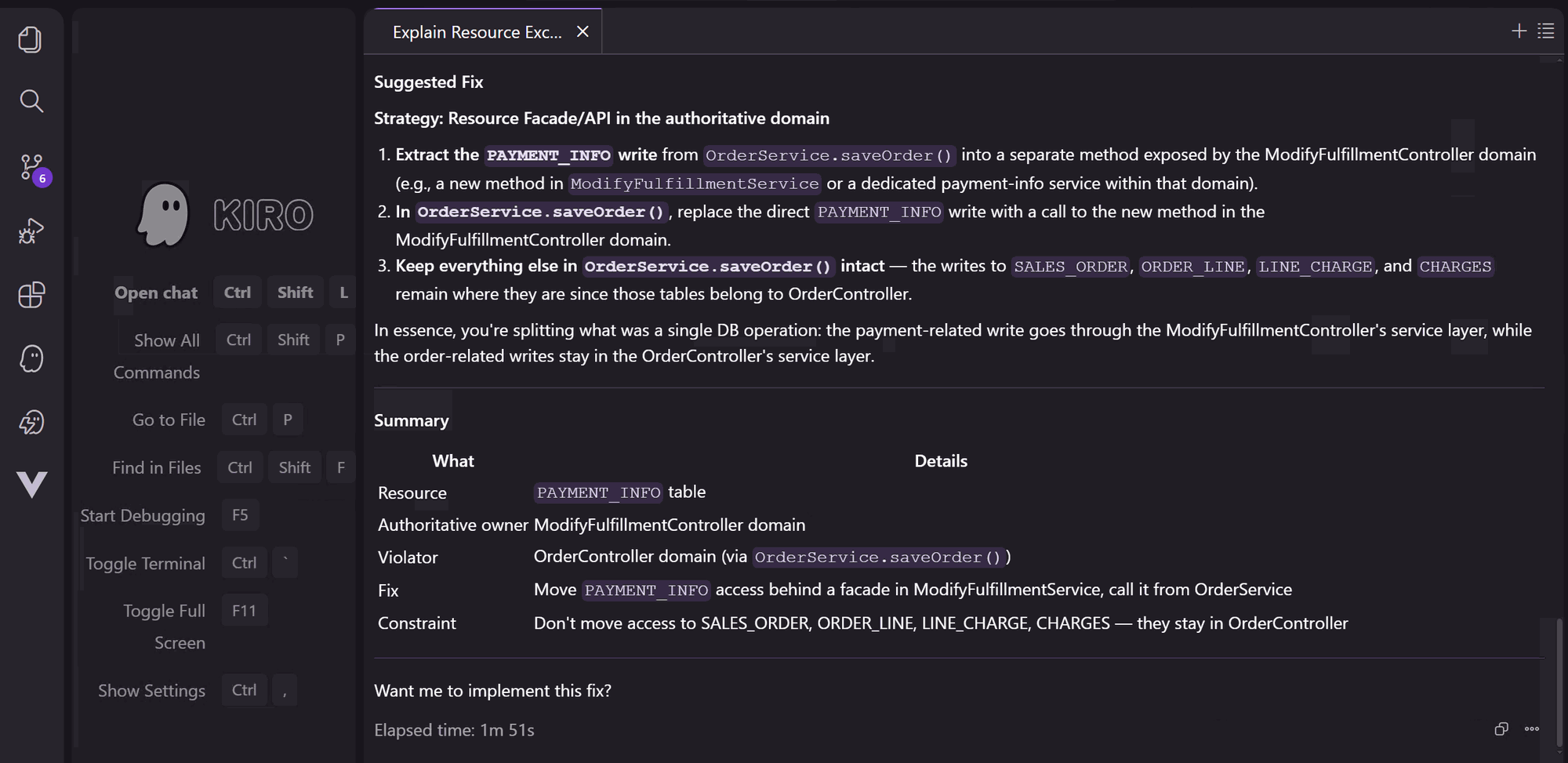
Fix the TODO
Ask Kiro to fix the selected TODO:
- “fix the resource exclusivity todo”
- Kiro will load the vf-context skill from the vFunction power. Allow it for the session
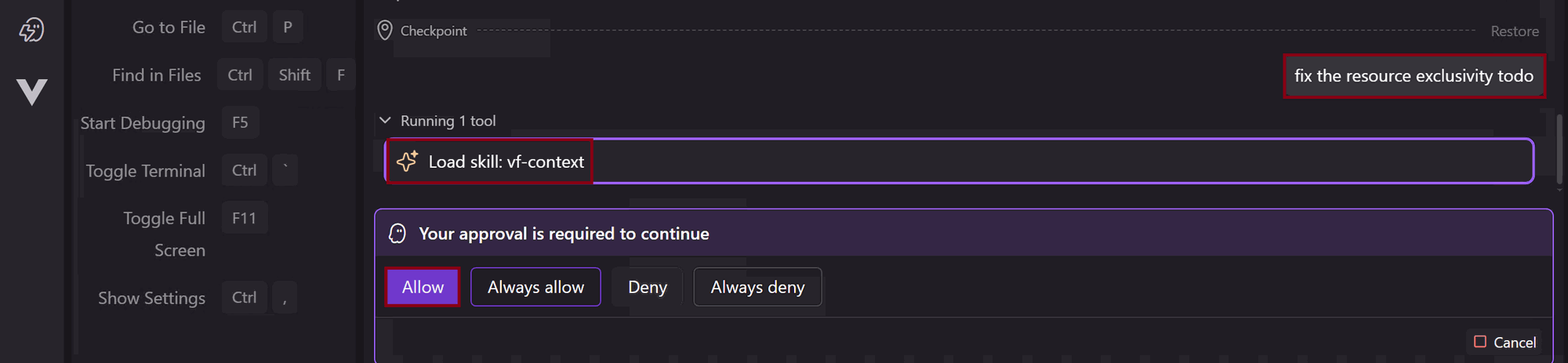
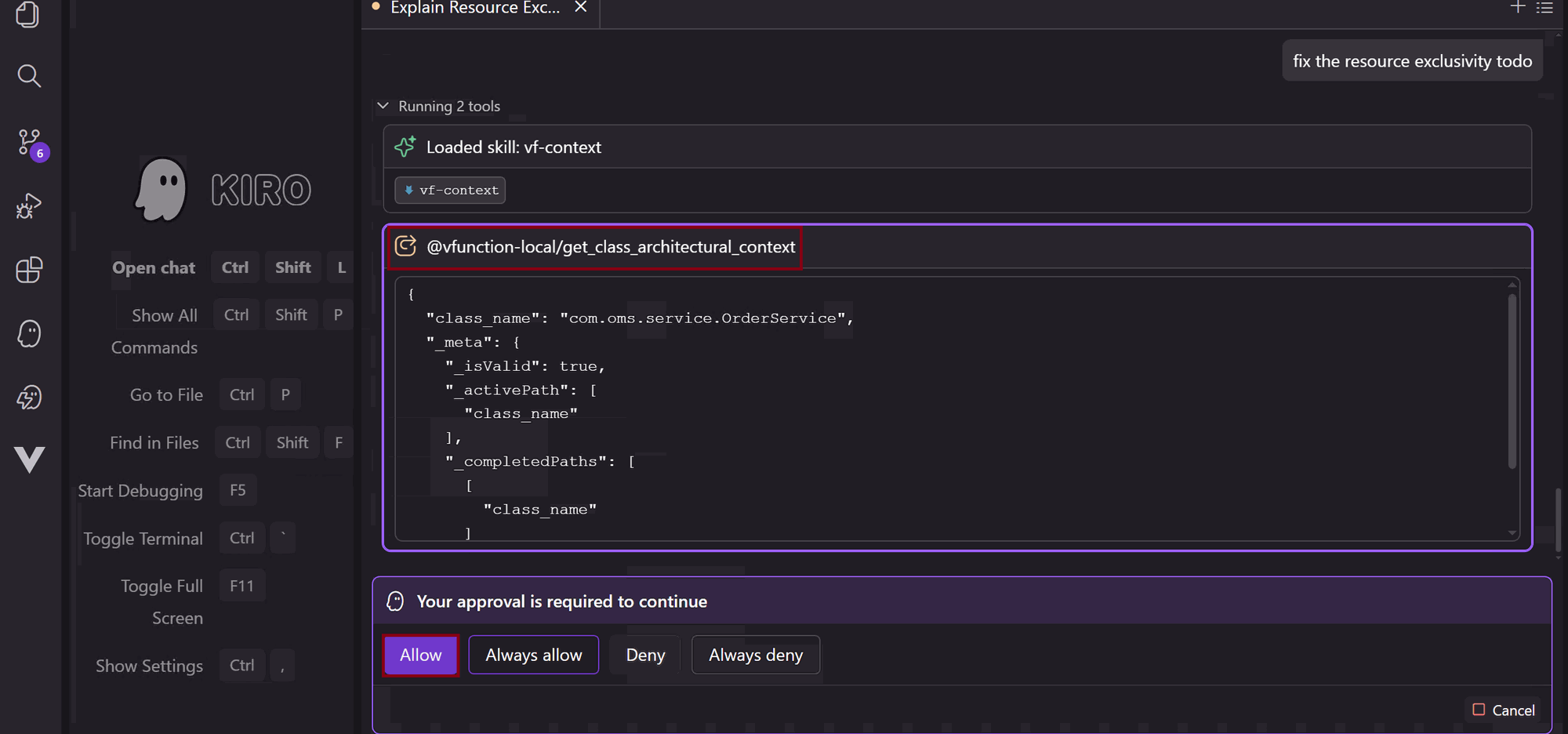
- Allow the successive vFunction MCP tools and commands that Kiro requires to perform the fix
- After Kiro completes, review the summary and the files changed.
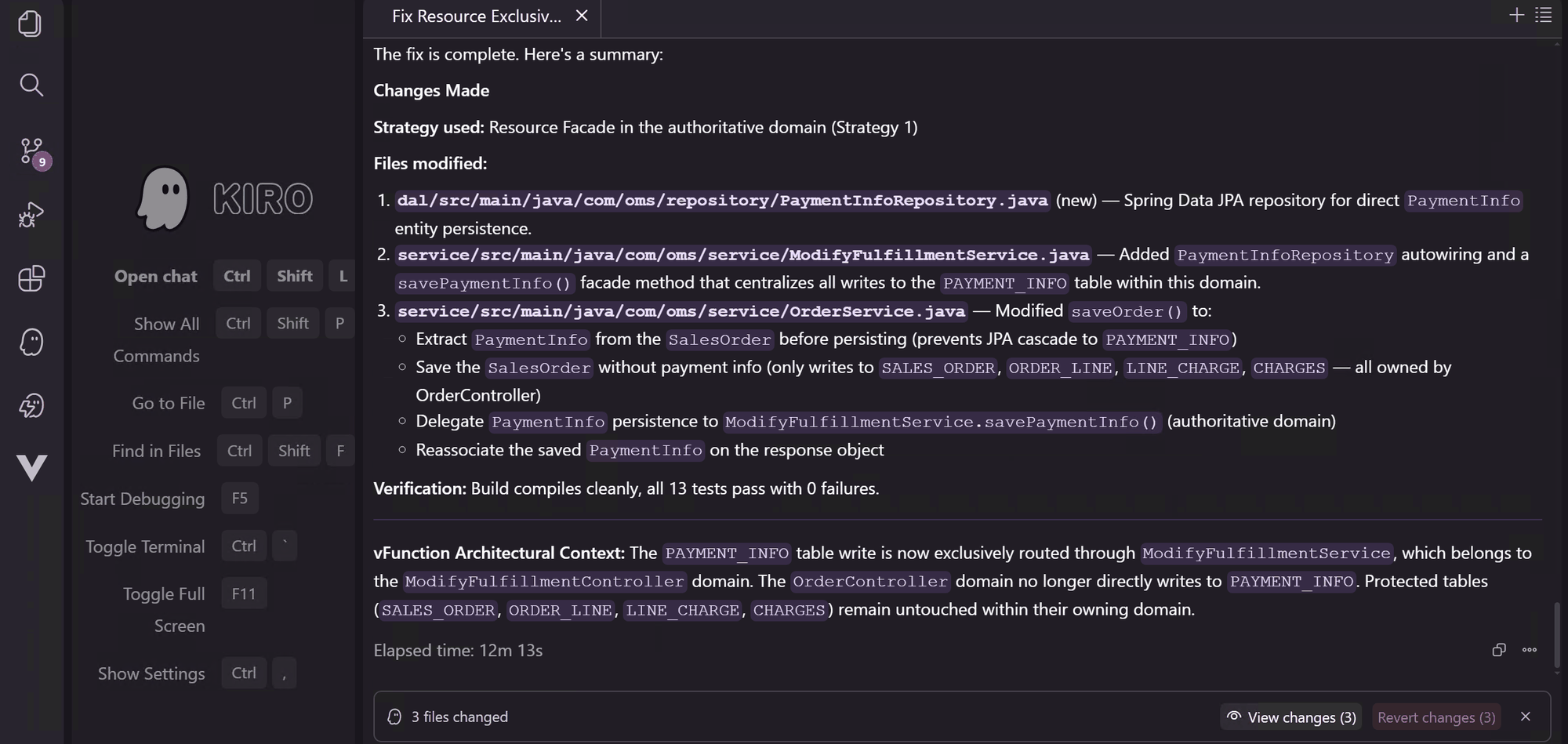
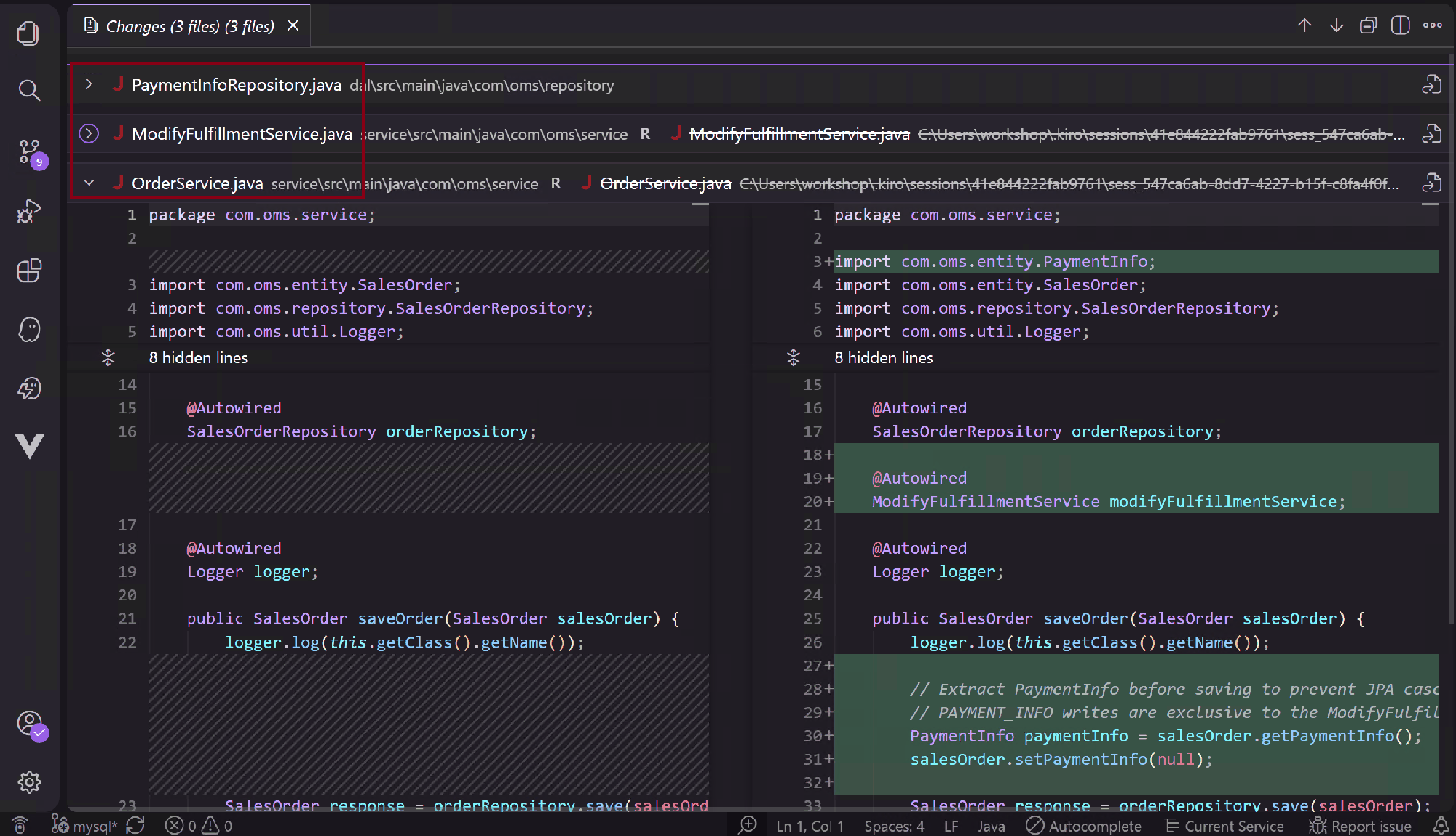
Always review AI-generated code changes carefully before proceeding. While Kiro leverages vFunction’s architectural context for accuracy, a human review ensures correctness.
Wrap Up
You have successfully used Kiro to list TODOs, understood a specific cross domain table write TODO in detail and applied an AI-generated fix. Next, we will build, deploy, and validate the changes.